
 DTF FILM
What is Ready to Press?
It's a DTF transfer. You press it on.
1
Pick your size
Choose the print size that fits your garment.
2
We print & ship
We print it on DTF film and ship it to you fast.
3
Press & peel
Heat-press onto your own shirt, peel, and it's ready.
Apply in 3 steps
Heat press · EasyPress · iron
1
Preheat & place
Heat your press to 290–310°F (145–155°C) and position the film.
2
Press
High pressure → 6 sec
Medium pressure → 8–15 sec
Medium pressure → 8–15 sec
3
Hot peel
Peel the film while still hot.
Malibu Design - DTF Ready To Press
Brand: DTF Dallas
▶ WATCH — how to order
$3.00
$6.00
How it works
01Pick your size
02We print the DTF
03You press it on
✓ Orders by 2:00 PM CT ship the same day, and 24/7 Free Richardson Pickup
✓ Nationwide shipping to all US states in 1-2 business days.
Complete your order with Blanks
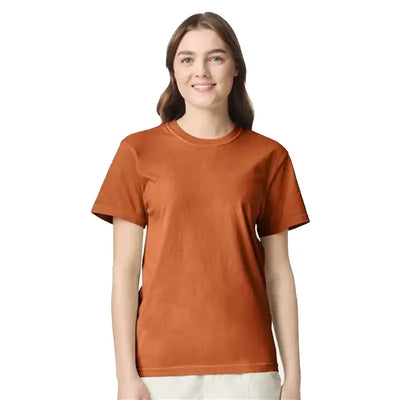
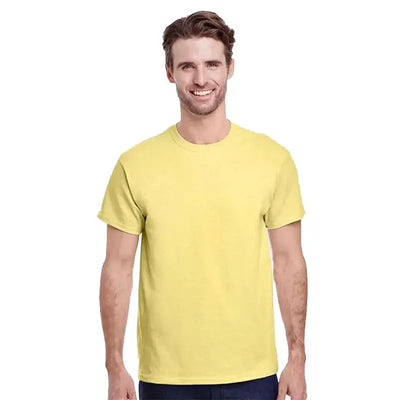
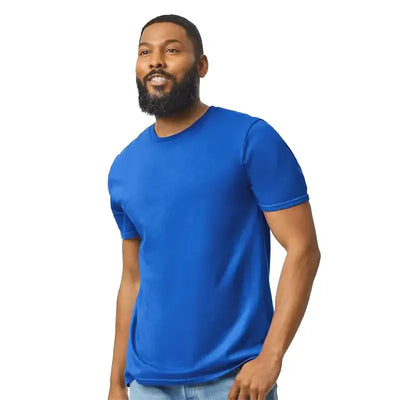
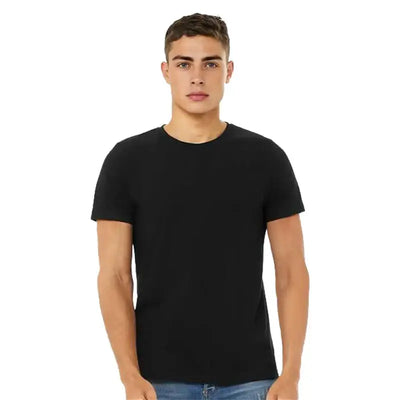
 DigiPrint Apparel 1300 Acid Wash Heavyweight Oversized Unisex T-Shirt - 180 GSM 100% Cotton
$5.95
View
DigiPrint Apparel 1300 Acid Wash Heavyweight Oversized Unisex T-Shirt - 180 GSM 100% Cotton
$5.95
View
Description
Malibu Design - DTF Ready To Press
Transform your creative ideas into stunning designs with our Malibu Design - DTF Ready To Press. This high-quality product is perfect for anyone looking to elevate their crafting game with ease and precision.
Features:
- High-Quality Transfers: Enjoy vibrant, long-lasting designs that stand out on any fabric.
- Easy to Use: Ideal for both beginners and experienced crafters, our product simplifies the pressing process.
- Versatile Sizes: Choose from a variety of sizes to perfectly fit your project needs.
Unlock your creativity with the Malibu Design - DTF Ready To Press. Whether for personal projects, gifts, or business endeavors, this product is designed to deliver outstanding results every time.