
 DTF FILM
What is Ready to Press?
It's a DTF transfer. You press it on.
1
Pick your size
Choose the print size that fits your garment.
2
We print & ship
We print it on DTF film and ship it to you fast.
3
Press & peel
Heat-press onto your own shirt, peel, and it's ready.
Apply in 3 steps
Heat press · EasyPress · iron
1
Preheat & place
Heat your press to 290–310°F (145–155°C) and position the film.
2
Press
High pressure → 6 sec
Medium pressure → 8–15 sec
Medium pressure → 8–15 sec
3
Hot peel
Peel the film while still hot.
Starwbearry Bear Design - DTF Ready To Press
▶ WATCH — how to order
$3.00
$6.00
How it works
01Pick your size
02We print the DTF
03You press it on
✓ Orders by 2 PM ship the same day · pickup ready · Richardson, TX
✓ Ready-to-press DTF film · you press it on
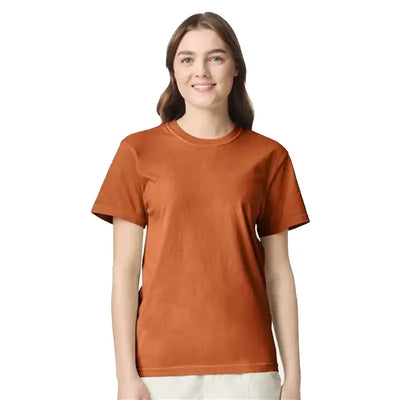
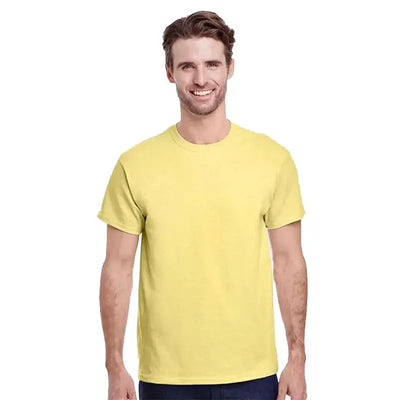
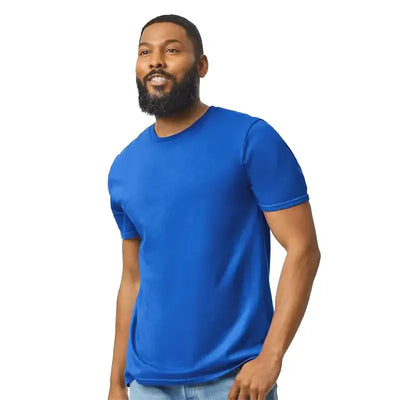
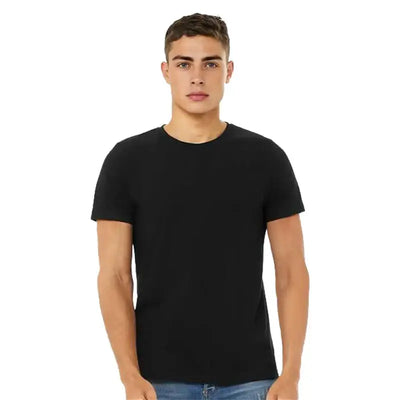
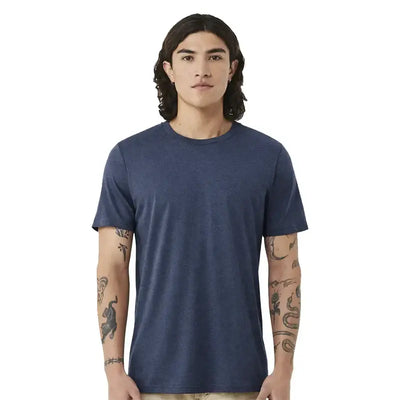
Complete your order with Blanks
Description
Starwbearry Bear Design - DTF Ready To Press
Unleash your creativity with the Starwbearry Bear Design, expertly crafted for DTF (Direct to Film) printing. This adorable bear design is perfect for anyone looking to add a whimsical touch to their custom apparel or crafts.
Key Features:
- DTF Ready: Specifically designed for seamless transfer, ensuring vibrant colors and intricate details.
- Multiple Size Options: Choose the perfect size for your project, allowing for versatility in your designs.
Transform your ideas into reality with the Starwbearry Bear Design. Perfect for t-shirts, tote bags, and more, this design is a must-have for DIY enthusiasts and professionals alike!